If you’ve forgotten your SMKCloud.tech Client Area password, you can easily reset it. Follow the steps below to securely regain access to your account.
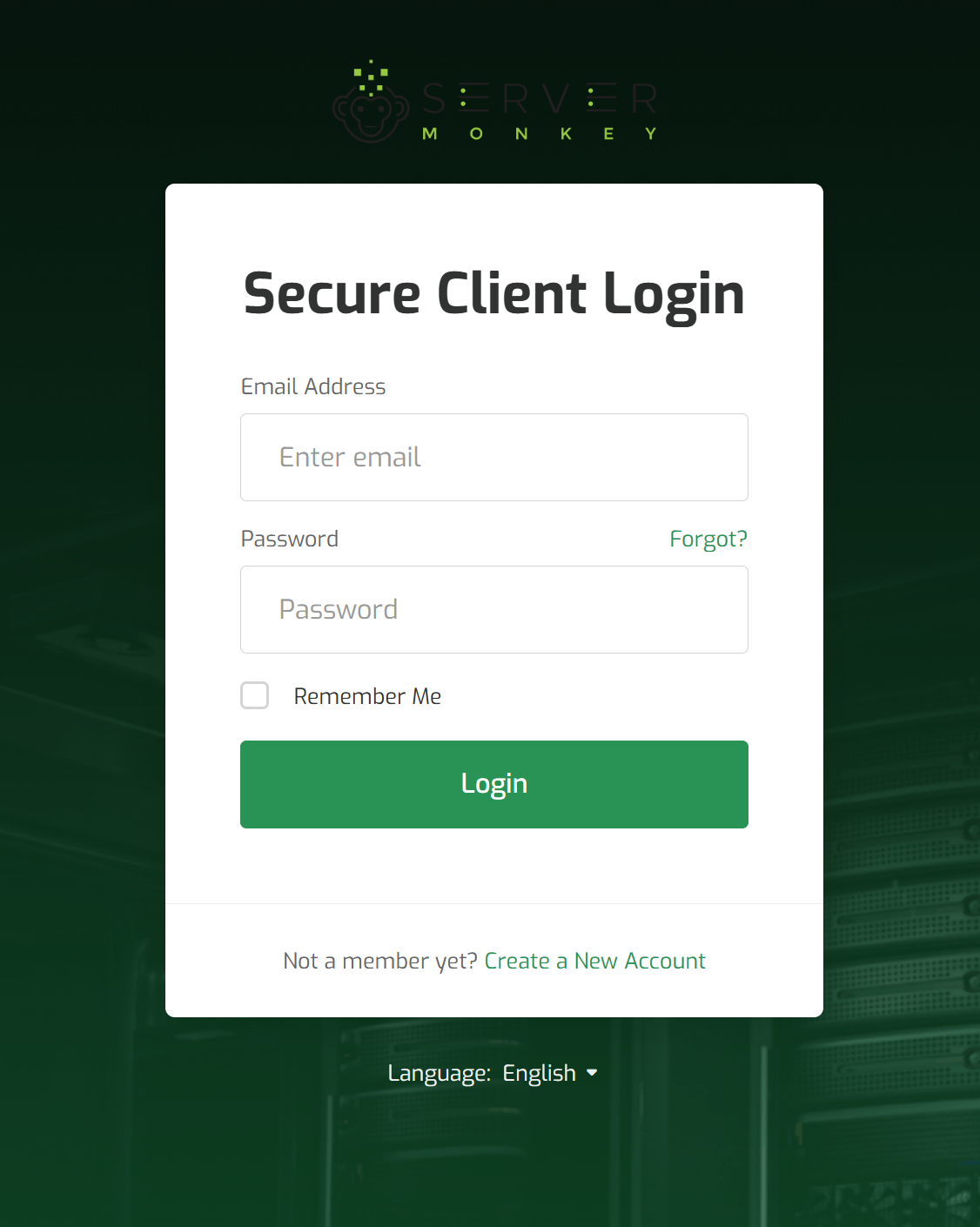
Step 1: Go to the Login Page
-
Visit the SMKCloud.tech website.
-
Click on the Client Area link from the menu to open the login page.
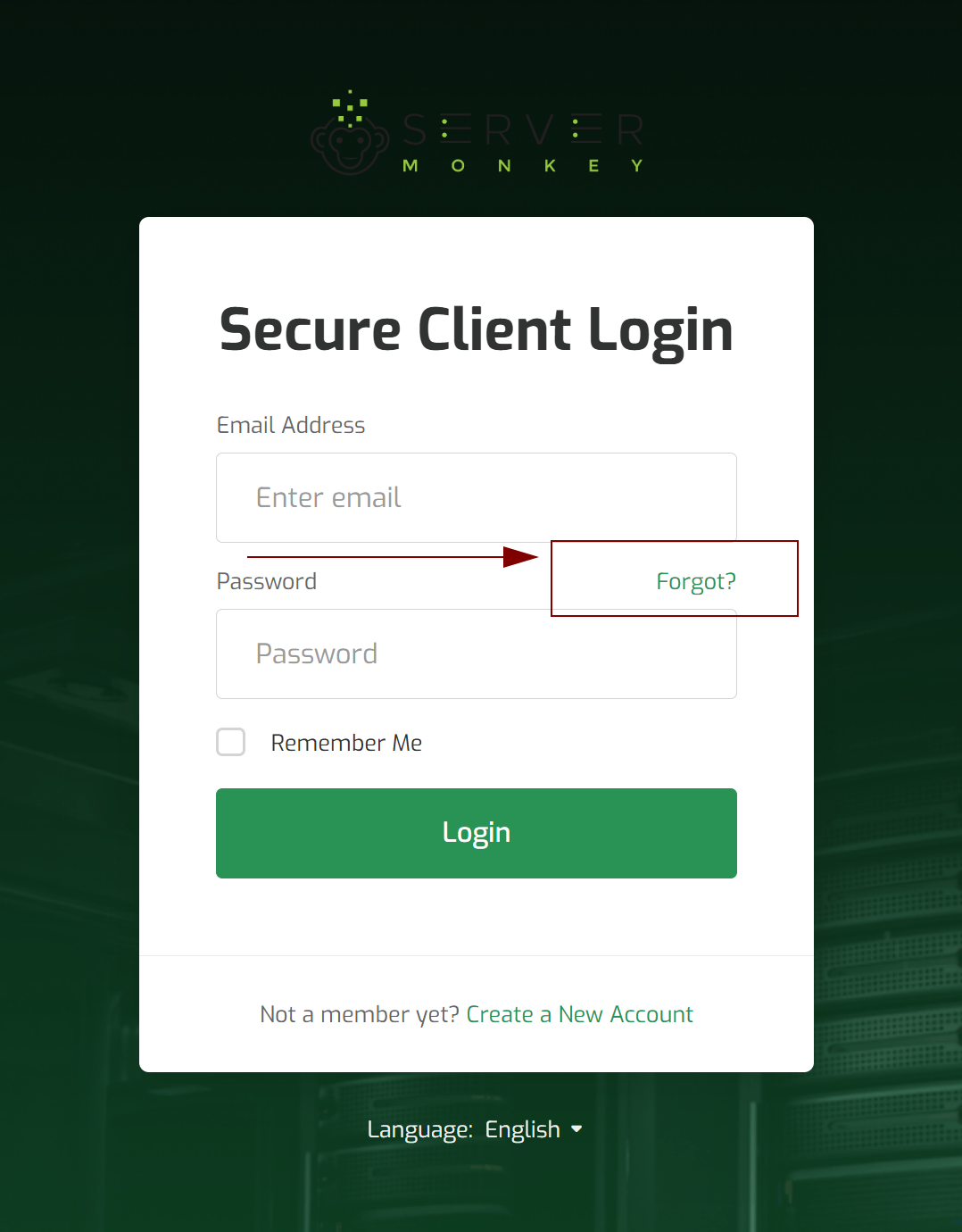
Step 2: Click “Forgot Password?”
-
Under the password field, click on the Forgot Password? link.
-
This will take you to the password reset request page.
Step 3: Enter Your Registered Email Address
-
Type in the email address you used when registering your SMKCloud account.
-
Make sure it’s your correct, active email.
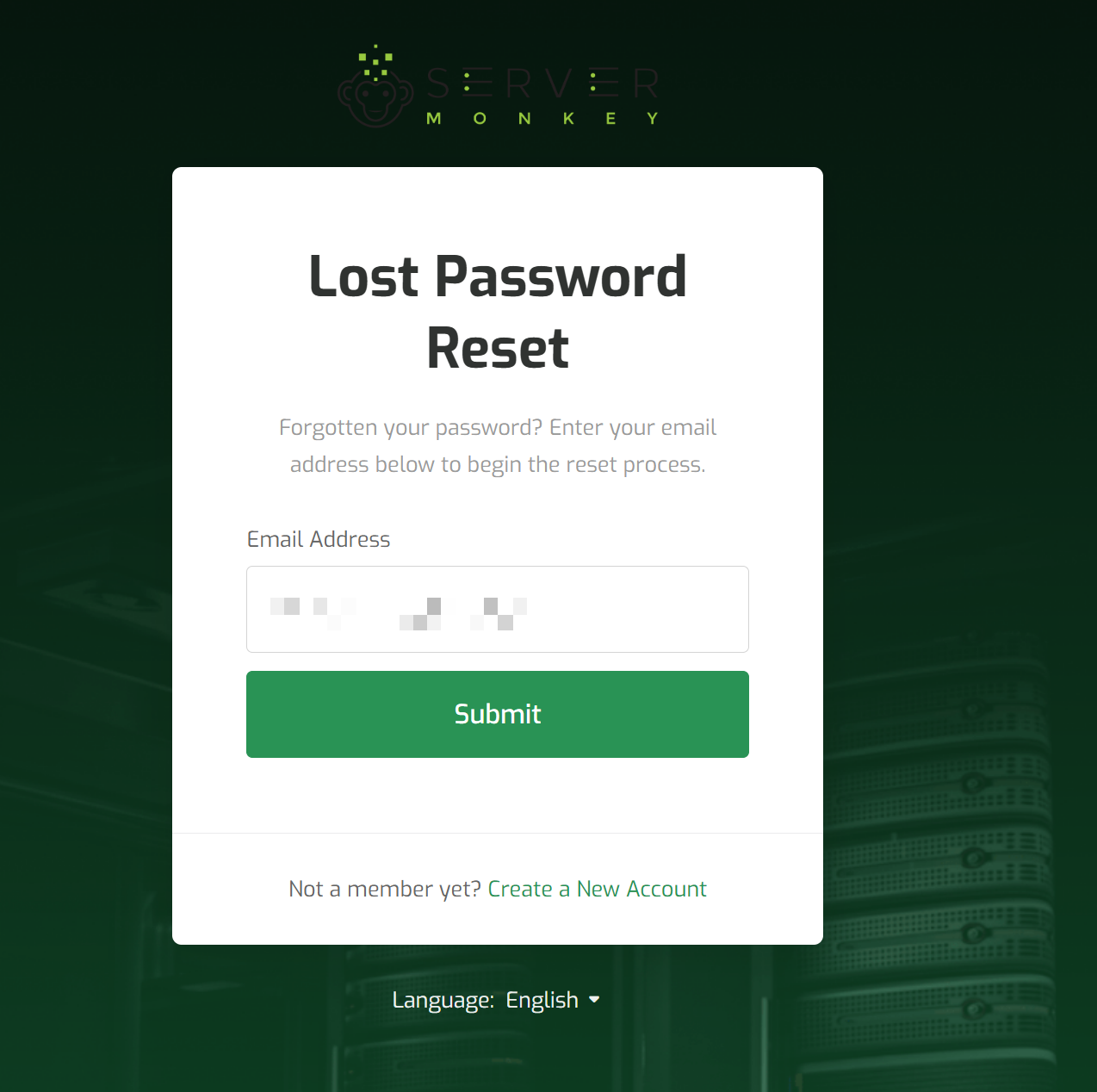
Step 4: Submit the Request
-
Click Submit to send the password reset request.
-
You will receive a password reset link via email shortly.
Step 5: Check Your Email
-
Open your email inbox and look for the message from SMKCloud.
-
If you don’t see it in your inbox, check your spam or junk folder.
Step 6: Reset Your Password
-
Click the password reset link in the email.
-
Enter your new password, confirm it, and click Save Changes.
Security Tip
Choose a strong, unique password that is hard to guess. Avoid reusing old passwords or using easily guessable information to keep your account secure.